How to Choose Brand Colors That Convert
A practical, data-driven guide to selecting brand colors that build trust, increase conversions, and create lasting brand recognition.
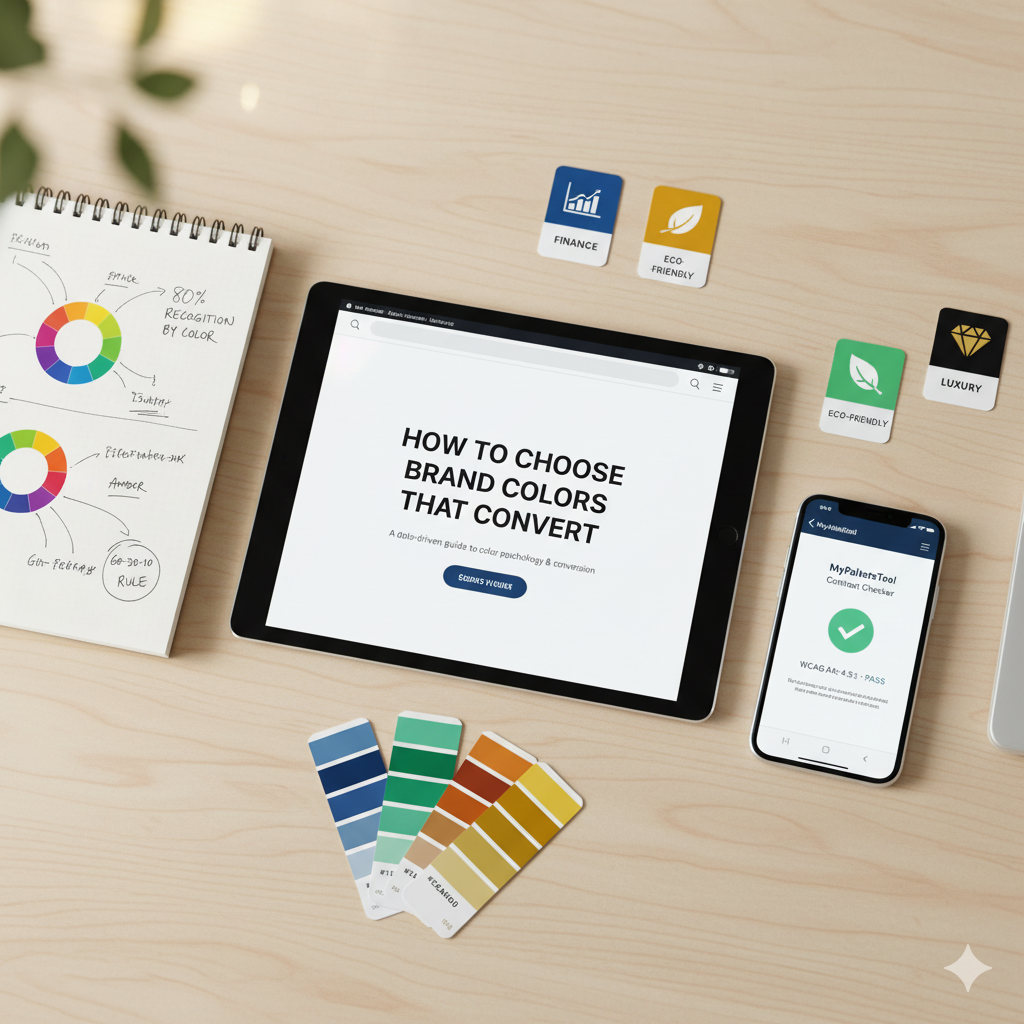
How to Choose Brand Colors That Convert
Your brand colors aren't just aesthetic choices—they're powerful psychological tools that influence purchasing decisions, build trust, and create instant recognition. Studies show that color increases brand recognition by up to 80%. Let's build a color strategy that actually drives results.
The Science Behind Brand Colors
Color Recognition Statistics
- 80% of consumers recognize brands by color alone (University of Loyola, Maryland)
- 85% of consumers cite color as the primary reason for purchase
- 93% of purchasing decisions are based on visual appearance
- 52% of consumers won't return to a site with poor aesthetics
Processing Speed
The human brain processes images 60,000 times faster than text. Your colors communicate before your words do.
Step 1: Define Your Brand Personality
Before choosing colors, identify your brand's personality:
Exciting & Energetic
Industries: Sports, entertainment, food, kids Colors: Red, orange, yellow Example brands: Red Bull, Nickelodeon, McDonald's
Trustworthy & Professional
Industries: Finance, healthcare, corporate, law Colors: Blue, gray, navy Example brands: IBM, PayPal, Facebook
Luxurious & Sophisticated
Industries: Fashion, beauty, jewelry, premium goods Colors: Black, gold, purple, white Example brands: Chanel, Rolex, Cadbury
Natural & Organic
Industries: Eco-friendly, wellness, organic food Colors: Green, brown, earth tones Example brands: Whole Foods, Starbucks, The Body Shop
Creative & Imaginative
Industries: Creative agencies, art, innovation Colors: Purple, pink, unique combinations Example brands: Twitch, Lyft, Hallmark
Step 2: Understand Color Psychology
Red
Emotions: Energy, passion, urgency, excitement Best for: Food, sales, call-to-action buttons Conversion tip: Red CTA buttons can increase conversions by 21% Caution: Can signal danger or aggression
Successful brands: Coca-Cola, Netflix, YouTube, Target
Blue
Emotions: Trust, security, calm, professionalism Best for: Finance, healthcare, social media, tech Conversion tip: Most popular color (40% of Fortune 500) Caution: Can feel cold or corporate
Successful brands: Facebook, PayPal, IBM, American Express
Green
Emotions: Growth, health, nature, prosperity Best for: Eco-friendly, health, wealth/money Conversion tip: Increases dwell time on websites Caution: Avoid if not eco-focused (feels inauthentic)
Successful brands: Starbucks, Whole Foods, Spotify, Land Rover
Yellow
Emotions: Optimism, clarity, warmth, caution Best for: Children, food, happiness, affordability Conversion tip: Grabs attention—great for windows/highlights Caution: Hard to read, can cause eye strain
Successful brands: McDonald's, Snapchat, IKEA, DHL
Purple
Emotions: Luxury, creativity, wisdom, mystery Best for: Beauty, premium products, creative services Conversion tip: Appeals to aesthetic-conscious consumers Caution: Can feel overly feminine to some demographics
Successful brands: Hallmark, Twitch, FedEx, Cadbury
Orange
Emotions: Friendly, confident, cheerful, playful Best for: E-commerce, call-to-action, entertainment Conversion tip: Creates impulse purchases Caution: Can feel cheap if overused
Successful brands: Amazon, Nickelodeon, Fanta, Home Depot
Black
Emotions: Power, elegance, sophistication, modern Best for: Luxury, fashion, high-end products Conversion tip: Increases perceived value Caution: Can feel heavy or oppressive
Successful brands: Chanel, Nike, Apple, Prada
White
Emotions: Purity, simplicity, cleanliness, modern Best for: Minimalism, healthcare, tech, simplicity Conversion tip: Increases perceived simplicity Caution: Can feel sterile or empty
Successful brands: Apple, Tesla, Glossier
Step 3: Analyze Your Competition
Competitive Color Analysis
Research 5-10 direct competitors:
- What colors do they use?
- Is there a pattern?
- Can you differentiate while staying appropriate?
Two Strategies:
Strategy A: Fit In
- Use similar colors to signal "we belong in this industry"
- Example: Blue for finance, green for eco-brands
- Pro: Instant credibility
- Con: Less memorable
Strategy B: Stand Out
- Choose different colors to be memorable
- Example: T-Mobile's magenta in sea of red/blue carriers
- Pro: Instant recognition
- Con: May seem off-brand initially
The Best Approach:
Familiar + Unexpected
- Primary color fits industry norms
- Accent color creates differentiation
- Example: Stripe (blue + purple in fintech)
Step 4: Build Your Color Palette
The 60-30-10 Rule
60% - Primary Color
- Your main brand color
- Used for logos, headers, major elements
- Should reflect core brand personality
30% - Secondary Color
- Supports primary color
- Often analogous or complementary
- Used for subheadings, backgrounds
10% - Accent Color
- High-contrast color for CTAs
- Often complementary to primary
- Drives action and attention
Example Palette: SaaS Product
Primary (60%): Blue #0066CC - Trust, professionalism Secondary (30%): Light Blue #E6F2FF - Calm, accessible Accent (10%): Orange #FF6B35 - Action, conversion
How Many Colors?
Minimum: 2 colors (primary + accent) Ideal: 3-4 colors (primary, secondary, 1-2 accents) Maximum: 5-6 colors (more = harder to maintain)
Apple uses: 6 colors (black, white, gray, blue as core) Google uses: 4 colors (blue, red, yellow, green)
Step 5: Test for Accessibility
Your beautiful brand colors mean nothing if users can't read them.
WCAG Compliance
Minimum Standard (AA):
- Text contrast: 4.5:1 ratio
- Large text: 3:1 ratio
- UI components: 3:1 ratio
Enhanced (AAA):
- Text contrast: 7:1 ratio
- Large text: 4.5:1 ratio
Tools for Testing
- MyPaletteTool Contrast Checker - Instant WCAG testing
- WebAIM Contrast Checker - Industry standard
- Chrome DevTools - Built-in testing
Common Mistakes
❌ Light text on light backgrounds Example: Yellow #FFFF00 on white (1.07:1 - fails)
❌ Low-contrast CTAs Example: Light blue button on white (fails AA)
- High-contrast, readable
- Builds instant recognition
- Communicates your brand values
- Drives conversions
- Stands the test of time
Conclusion
Choosing brand colors isn't guesswork—it's strategy. By understanding color psychology, analyzing your market, ensuring accessibility, and testing thoroughly, you'll create a color palette that:
Ready to start? Use our Color Palette Generator to experiment with different schemes, or test your choices with our Contrast Checker to ensure accessibility.
Related Articles
Build a powerful brand identity with MyPaletteTool's professional color tools.